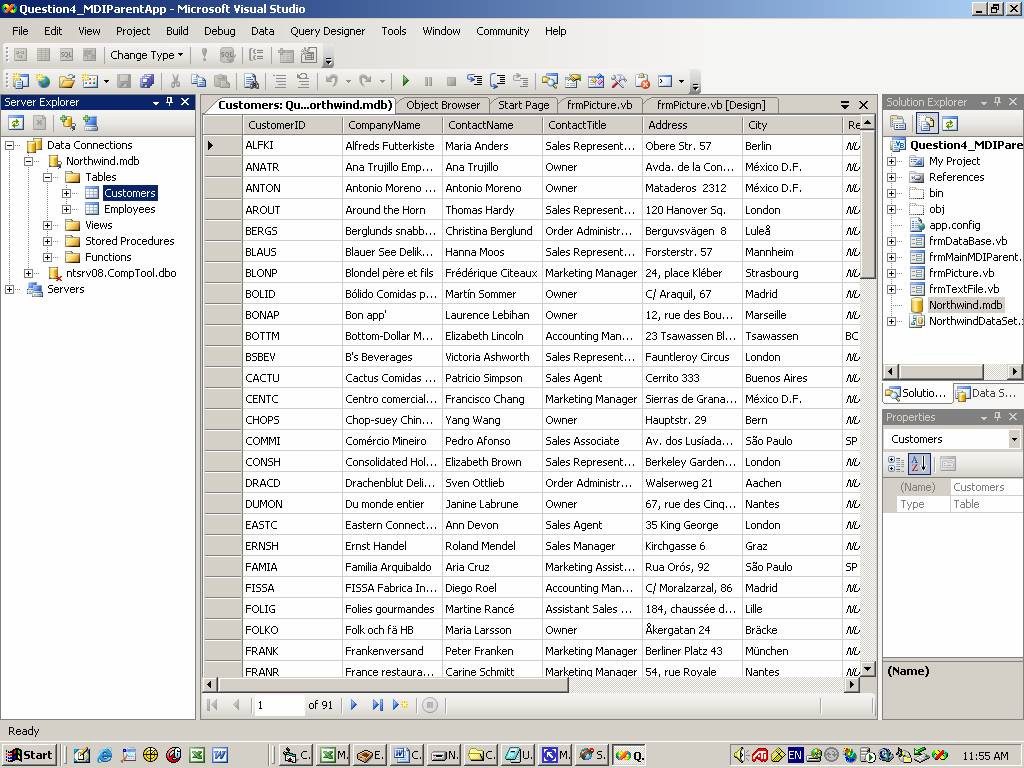
'Guillermo Julca
'Final Exam SW-506
'Question #4
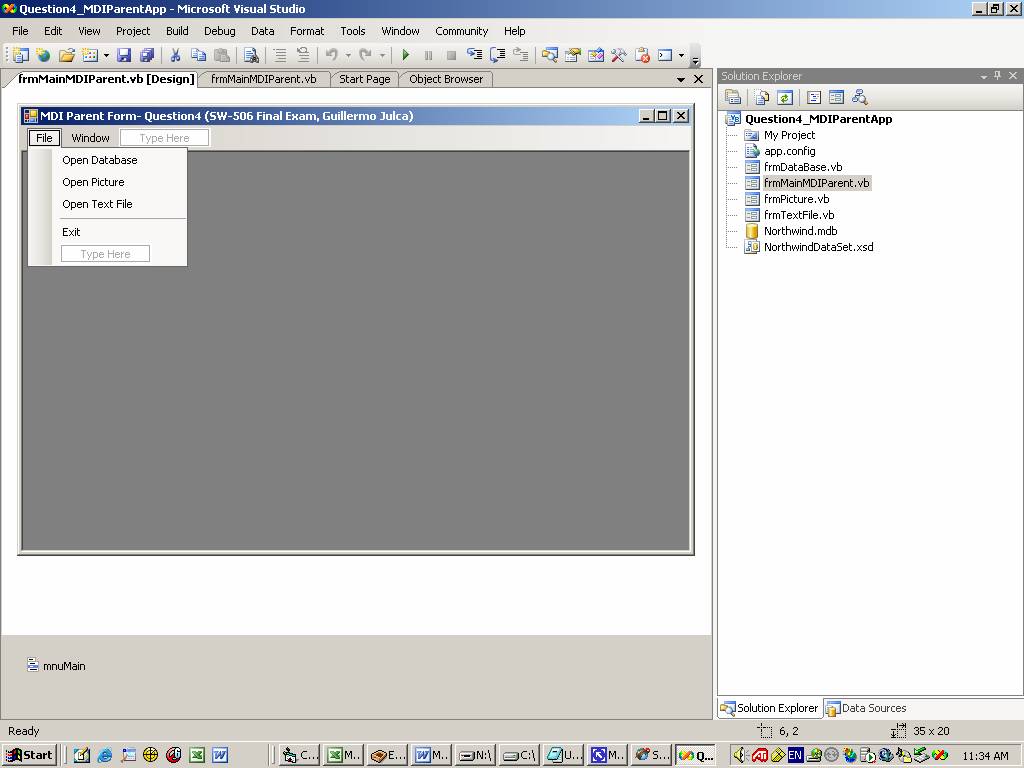
Public Class frmMainMDIParent
Private Sub ExitToolStripMenuItem_Click(ByVal sender As System.Object,
ByVal e As
System.EventArgs) Handles
ExitToolStripMenuItem.Click
'4e)
File-Exit closes the application
Me.Close()
End Sub
Private Sub mnuFileOpenDataBase_Click(ByVal sender As System.Object, ByVal e As
System.EventArgs) Handles
mnuFileOpenDataBase.Click
Dim
NewMDIChildDataBase As New
frmDataBase()
'Set the
Parent form of the child window.
NewMDIChildDataBase.MdiParent = Me
'Display the
new form
NewMDIChildDataBase.Show()
End Sub
Private Sub mnuFileOpenPicture_Click(ByVal
sender As System.Object, ByVal e As
System.EventArgs) Handles
mnuFileOpenPicture.Click
Dim
NewMDIChildPicture As New
frmPicture()
'Set the
Parent form of the child window.
NewMDIChildPicture.MdiParent = Me
'Display the
new form
NewMDIChildPicture.Show()
End Sub
Private Sub mnuFileOpenTextFile_Click(ByVal sender As System.Object, ByVal e As
System.EventArgs) Handles
mnuFileOpenTextFile.Click
Dim
NewMDIChildTextFile As New
frmTextFile()
'Set the
Parent form of the child window.
NewMDIChildTextFile.MdiParent = Me
'Display the
new form
NewMDIChildTextFile.Show()
End Sub
Private Sub mnuWindowTitleVertical_Click(ByVal sender As
System.Object, ByVal e As
System.EventArgs) Handles
mnuWindowTitleVertical.Click
Me.LayoutMdi(MdiLayout.TileVertical)
End Sub
End Class
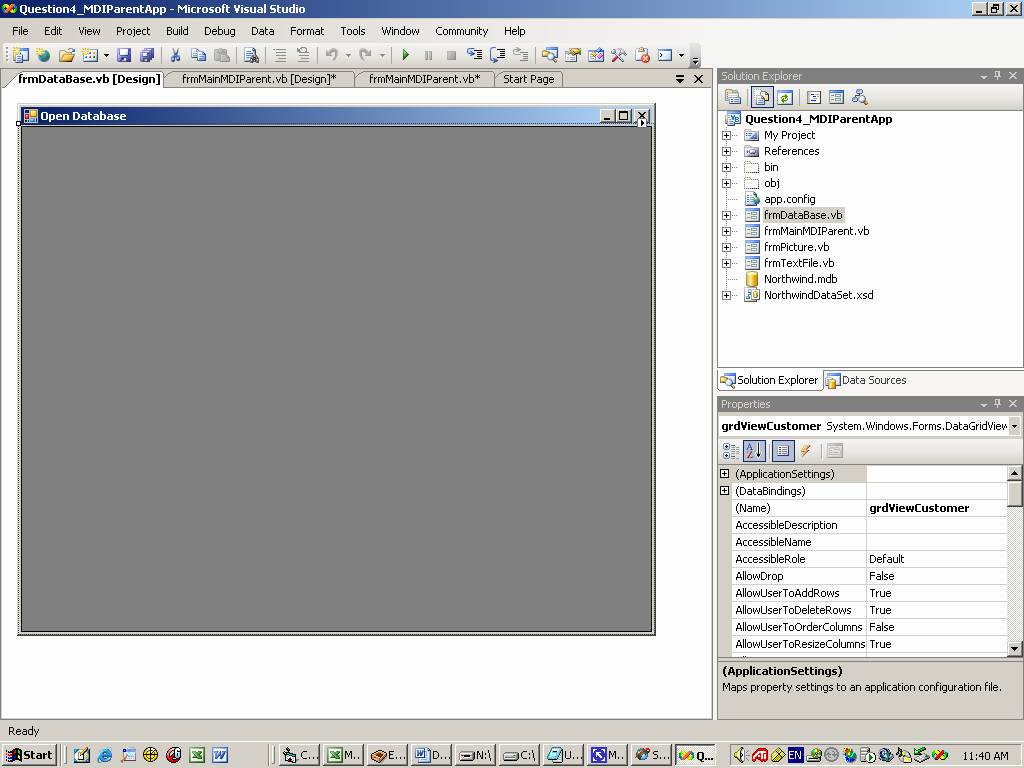
Public Class frmDataBase
Private Sub frmDataBase_Load(ByVal
sender As System.Object, ByVal e As
System.EventArgs) Handles MyBase.Load
'To populate
the datagrid using DataAdapter and DataSet
Dim
strConnection As String
strConnection = "Provider=Microsoft.Jet.OLEDB.4.0;Data
Source=|DataDirectory|\Northwind.mdb"
Dim cnn
As New
OleDb.OleDbConnection(strConnection)
Dim
strSQL As String
'To generate
the DataAdapter
strSQL = "select
* from Customers"
Dim
daOrders As New
OleDb.OleDbDataAdapter(strSQL, cnn)
daOrders.SelectCommand.Connection.Open()
'To generate
the DataSet
Dim
dsOrders As New
DataSet
daOrders.Fill(dsOrders)
'To populate
the grid
grdViewCustomer.DataSource =
dsOrders.Tables(0)
cnn.Close()
End Sub
End Class
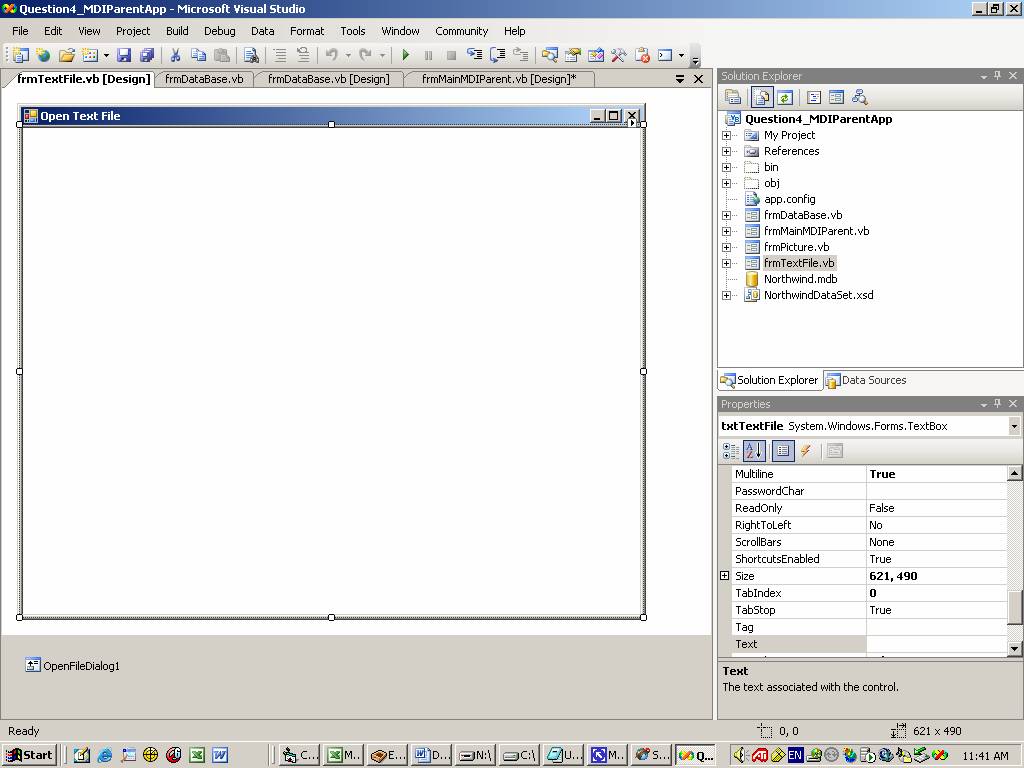
Imports System.IO
Imports
System.Drawing.Printing
Public Class frmTextFile
Inherits
System.Windows.Forms.Form
Private Sub frmTextFile_Load(ByVal
sender As System.Object, ByVal e As
System.EventArgs) Handles MyBase.Load
Dim strFileName As String
' Set the
Open dialog properties...
With
OpenFileDialog1
.Filter = "Text
files (*.txt)|*.txt|All files (*.*)|*.*"
.FilterIndex = 1
.InitialDirectory = "C:\"
.Title = "Open
File Dialog"
End With
' Show the
Open dialog and if the user clicks the OK button,
' load the
file...
If
OpenFileDialog1.ShowDialog() = DialogResult.OK Then
strFileName =
OpenFileDialog1.FileName
Dim
objReader As StreamReader = New StreamReader(strFileName)
txtTextFile.Text =
objReader.ReadToEnd()
objReader.Close()
objReader = Nothing
End If
End Sub
End Class
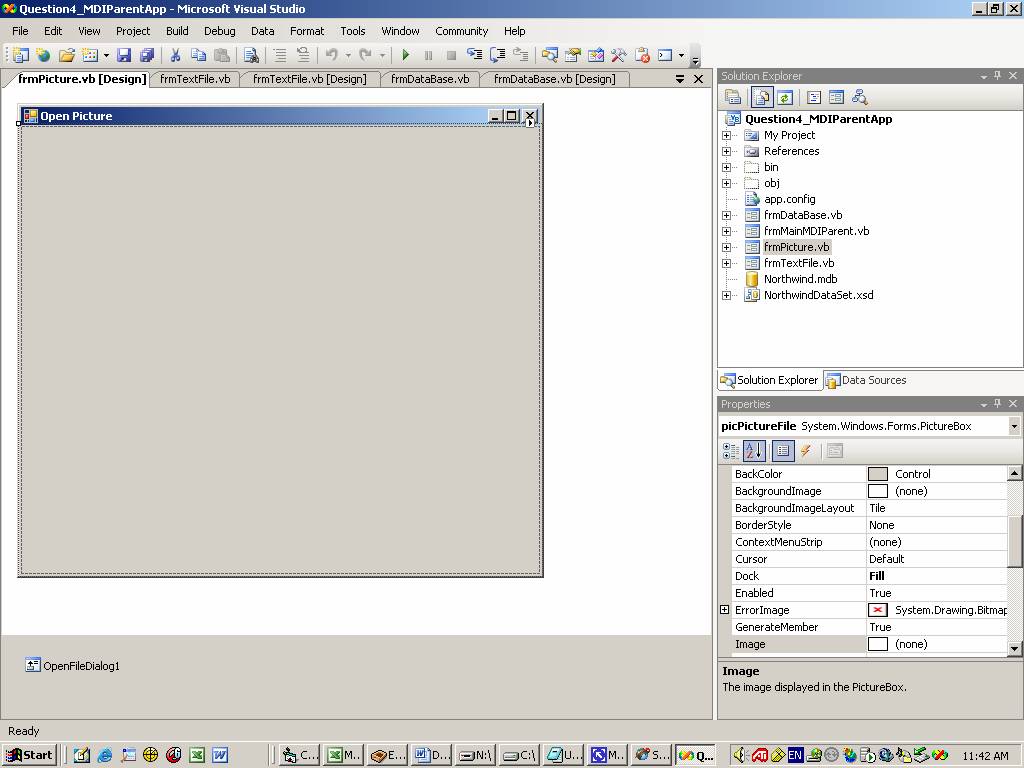
Imports System.IO
Imports System.Drawing.Printing
Public Class frmPicture
Inherits
System.Windows.Forms.Form
Private Sub frmPicture_Load(ByVal
sender As System.Object, ByVal e As
System.EventArgs) Handles MyBase.Load
Dim
strFileName As String
' Set the Open
dialog properties...
With
OpenFileDialog1
.Filter = "Text
files (*.bmp;*.gif;*.jpg)|*.bmp;*.gif;*.jpg|All files (*.*)|*.*"
.FilterIndex = 1
.InitialDirectory = "C:\"
.Title = "Open
File Dialog"
End With
' Show the
Open dialog and if the user clicks the OK button,
' load the
file...
If
OpenFileDialog1.ShowDialog() = DialogResult.OK Then
strFileName =
OpenFileDialog1.FileName
picPictureFile.Image =
Image.FromFile(strFileName)
End If
End Sub
End Class